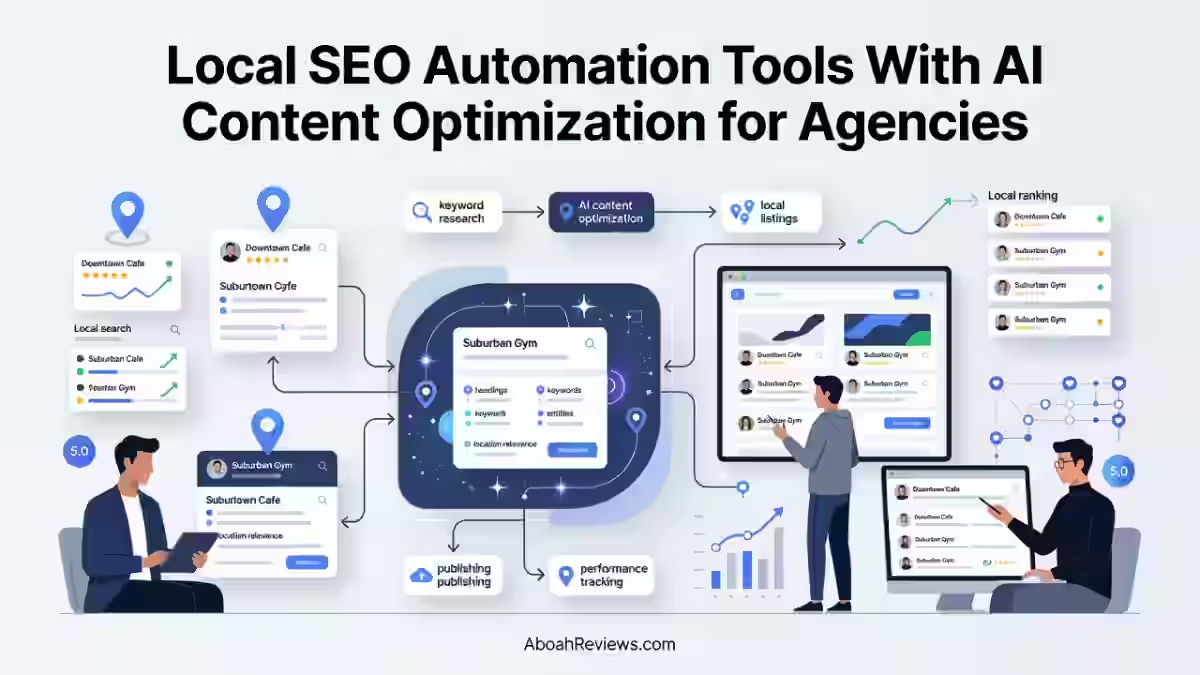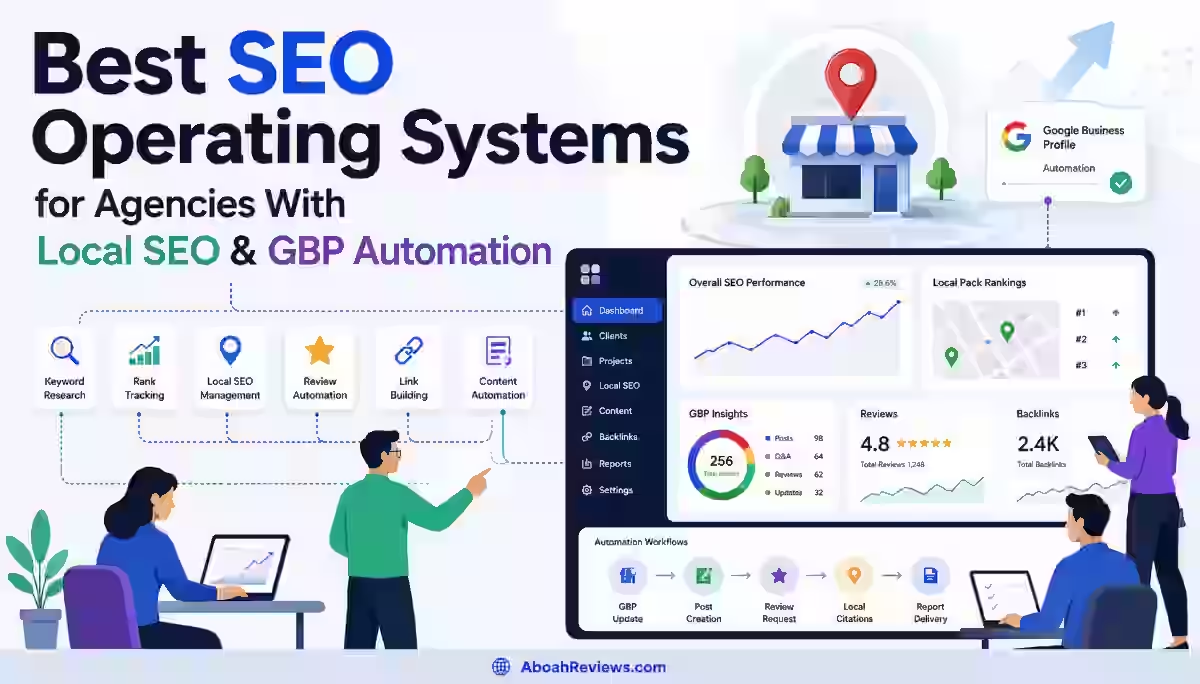
TL;DR: Local SEO automation uses software, APIs and AI to handle repetitive local search tasks like citation building, review replies and rank tracking, while a human still makes the strategic calls. This guide is for agencies, small business owners, and SEO freelancers managing multiple locations. The main takeaway: automate the busywork, not the judgment calls, or you risk the same thin-content penalties that hit autoblogs.
Introduction
I’ve managed local SEO for single-location shops and 40-location franchises, and here’s the thing nobody tells you upfront: local SEO automation isn’t about replacing the work, it’s about removing the parts of the work that don’t need a human brain attached to them.
Updating a Google Business Profile listing across 30 locations by hand is not strategy, it’s data entry. This article explains what local SEO automation actually means, which tasks are safe to hand off, which ones will get you in trouble, and which tools I’ve actually tested for this.
You’ll walk away knowing exactly where the automation line sits.
What Is Local SEO Automation?

Local SEO automation is the use of software, rules, APIs and AI to handle repetitive local search optimization tasks while keeping strategic and high-risk decisions under human control.
It’s not “set it and forget it.” It’s more like hiring an assistant who’s great at repetitive tasks but still needs you to sign off on anything that touches brand voice or Google’s terms of service.
Here’s what that looks like in practice:
- Data tasks get automated – NAP syncing, citation submissions, listing updates across directories.
- Monitoring gets automated – rank tracking, review alerts, GBP insights pulled into dashboards.
- First drafts get automated – review replies, GBP posts, and location page outlines get AI-generated, then edited.
- Strategy stays human – keyword targeting, content angles, and review escalation (angry customers) stay with a person.
This split matters because Google’s own guidance draws a line here too. Appropriate use of AI or automation is not against Google’s guidelines, as long as it isn’t used to generate content primarily to manipulate search rankings.
That’s the exact same principle you should apply to local SEO: automate the mechanics, not the manipulation.
How Does Local SEO Automation Work?
Local SEO automation works by connecting your business data to APIs and rule-based systems that push updates automatically instead of you doing it manually in ten different dashboards.
A tool pulls your business info once, say your hours, address, and phone number, then pushes it to Google Business Profile, Yelp, Apple Maps, and 50+ other directories at once.
Review platforms get monitored through webhooks that ping you (or draft a reply) the second a new review lands. Rank tracking tools ping local search results daily from geo-specific IPs and log the position changes in a dashboard.
The part people miss: automation doesn’t understand context. If a customer leaves a review naming a specific employee by name for bad service, an automated reply tool might still spit out a generic “thanks for your feedback.”
That’s why I always tell clients to treat automation as the first draft engine, not the final word.
What Local SEO Tasks Can You Automate?
You can automate most of the repetitive, data-heavy tasks in local SEO: listing syndication, NAP audits, rank tracking, review monitoring, and first-draft content. Here’s the breakdown I use when auditing a client’s stack:
- Citation building and syncing – push NAP data to 50+ directories in one action instead of manual submissions.
- Google Business Profile posting – schedule weekly posts, photo uploads, and Q&A monitoring.
- Review monitoring and first-draft replies – get alerted and draft a response within minutes instead of days.
- Local rank tracking – daily or weekly position checks across zip codes instead of manual searches.
- Location page drafting – generate first-draft copy for city or service pages that a human then edits and fact-checks.
- Reporting – pull GBP insights, review counts, and ranking data into one automated report instead of copy-pasting from five tabs.
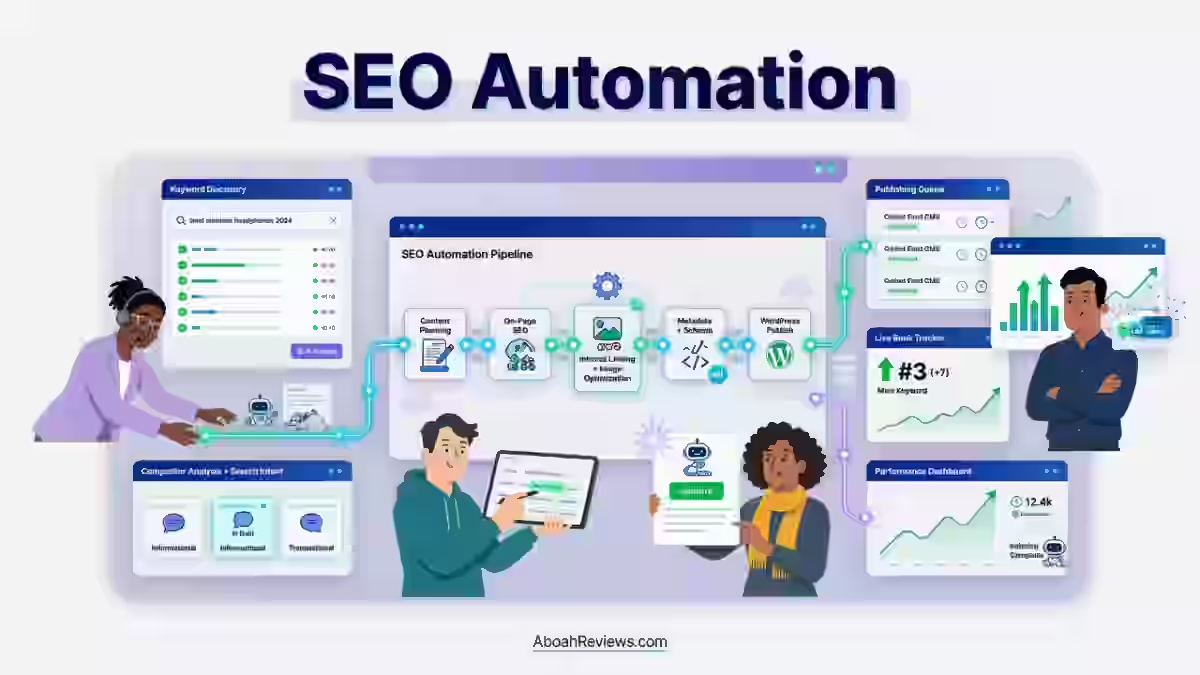
If you want a wider view of how this fits into the bigger automation picture, my SEO automation guide breaks down where automation fits across an entire SEO workflow, not just local.
What Should You Not Automate?
You should not automate review responses to serious complaints, keyword strategy decisions, or full local content publishing without human review. These are the three places I’ve seen automation backfire the hardest.
Here’s why each one matters:
- Angry or complex reviews need a human tone. A templated AI reply to a customer who says they got food poisoning looks worse than no reply at all.
- Keyword and location targeting requires judgment about which service areas actually convert, not just which ones have search volume.
- Publishing without editing is the fastest way to get flagged for thin content.
If you automate 50 city pages with the same template and swap out only the city name, you’re building a local SEO mistake. My guide on common autoblogging mistakes to avoid covers more scenarios like this one.
AI vs Traditional Local SEO Automation
AI-based local SEO automation drafts content and suggestions based on patterns, while traditional (rule-based) automation just executes fixed instructions with no judgment involved.
Both have a place, and honestly, most good stacks use a mix of both.
Factor | Traditional Automation | AI-Based Automation |
|---|---|---|
Example task | Auto-push NAP to directories | Draft a review reply based on sentiment |
Decision-making | None, follows fixed rules | Pattern-based suggestions |
Error risk | Low, but rigid | Higher, needs human review |
Speed to set up | Fast (plug and play) | Moderate (needs prompt/training) |
Best for | Citations, rank tracking, reporting | Content drafts, review replies, GBP posts |
Human oversight needed | Occasional QA checks | Every output before publishing |
If you’re weighing this exact tradeoff for content specifically, the AI writing tools vs autoblogging tools comparison goes deeper into where AI drafting helps and where it creates more editing work than it saves.
Benefits of Local SEO Automation
The main benefit of local SEO automation is time savings on repetitive tasks, which frees up hours for the strategic work that actually moves rankings.
For an agency managing 10+ locations, this isn’t a nice-to-have, it’s the difference between profitable and unprofitable client work.
Some concrete benefits I’ve seen play out:
- Consistency across locations – NAP data stays identical everywhere instead of drifting over time as staff update one directory but forget three others.
- Faster review response times – draft-and-approve workflows cut response time from days to hours.
- Better reporting cadence – automated dashboards mean you catch a ranking drop in week one, not month three.
- Lower per-location cost – managing 20 locations manually costs far more staff time than managing 20 locations with synced automation.
This matters because review response speed is tied directly to consumer behavior. Consumers are more likely to use a business that replies to all of its reviews, but generic or templated replies put off roughly half of consumers.
That’s exactly why the “draft with automation, approve with a human” model beats a fully hands-off one.
Local SEO Automation Workflow
A solid local SEO automation workflow moves data from a single source of truth outward to every platform, then loops performance data back for review.
Here’s the workflow I use for multi-location clients:
- Centralize business data in one source (spreadsheet or platform) as the single source of truth.
- Sync that data to Google Business Profile and 30-50 directories through a listing management tool.
- Set up automated monitoring for new reviews, ranking changes, and GBP insights.
- Draft responses and posts using AI, then route them through a human approval step.
- Publish approved content and track it in a single reporting dashboard.
- Review performance monthly and adjust targeting or content based on what’s actually converting, not just ranking.
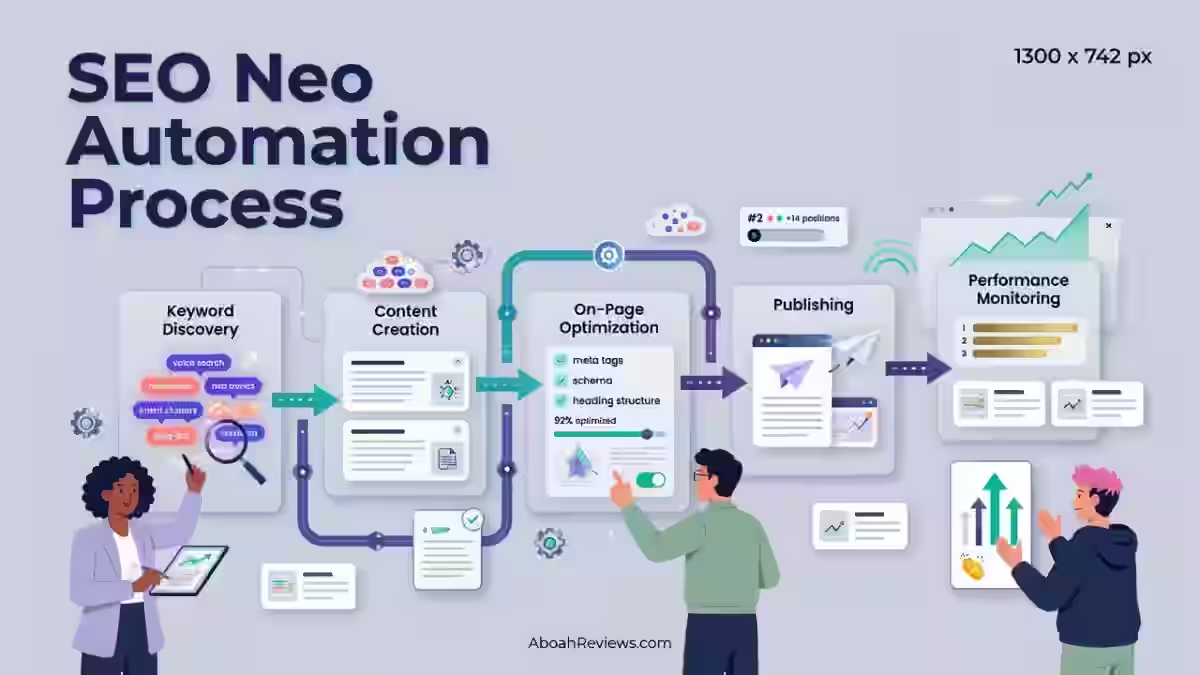
For a broader framework on structuring workflows like this across an SEO team, the SEO Neo automation process guide walks through a similar step-by-step model.
How to Automate Google Business Profile
You automate Google Business Profile (GBP) management by connecting it to a tool that handles posting, photo uploads, and review replies on a schedule, while you review outputs before they go live.
GBP is worth the setup effort because it carries serious ranking weight. Moz’s Local Search Ranking Factors Study found that GBP is the number one factor impacting local search result rankings.
Practical steps:
- Connect your GBP account to a listing management or local SEO tool.
- Set a posting schedule (weekly is a realistic minimum for staying “active”).
- Turn on review alerts so nothing sits unanswered for more than 24-48 hours.
- Use AI drafts for replies, but read every single one before it posts.
- Check GBP Insights monthly to see which categories, photos, or posts are driving calls and direction requests.
How Do You Automate Citations and NAP Management?
You automate citations and NAP management by using a listing sync tool that pushes one accurate version of your business data to dozens of directories at once instead of updating each one by hand.
This matters more than most people think, because inconsistent data actively costs you customers.
Here’s the data that backs that up: 62% of consumers avoid businesses with incorrect information found online.
If your NAP data is wrong on even five directories, that’s five sources feeding bad trust signals to both customers and Google.
The process:
- Audit your current citations for inconsistencies (business name variations, old addresses, wrong phone numbers).
- Fix the “master record” first, usually your GBP listing.
- Push that corrected data through a syncing tool to all connected directories.
- Set a recurring quarterly audit, because directories drift again over time even after a sync.
How to Automate Reviews and Reputation Management
You automate review management by setting up alerts for new reviews and using AI to draft first-pass responses that a human edits before publishing.
Reviews are one of the heaviest local ranking signals, and they’re also one of the easiest to mismanage with full automation.
A few numbers worth knowing before you build this workflow:
- There’s a nearly 3% lift in Google Business Profile conversions for every 10 new reviews a business earns.
- Sites ranking in the top three local search positions have an average of 561 Google reviews.
- Generic, templated replies noticeably hurt trust, so never publish an AI draft without at least skimming it first.
My rule of thumb: automate the alert and the first draft, never the “send” button on anything involving a 1 or 2-star review.
Best Strategies to Automate Local Rank Tracking
You automate local rank tracking by using a tool that checks your Map Pack and organic positions from specific zip codes on a set schedule, then logs the changes automatically.
This removes the manual work of searching from different locations yourself, which isn’t scalable past a handful of keywords anyway.
What a decent rank tracking setup includes:
- Geo-grid tracking (checking rankings from multiple points around a city, not just one).
- Scheduled checks (daily for competitive markets, weekly for lower-competition ones).
- Historical trend data so you can tie ranking shifts back to specific changes you made.
- Alerts for significant drops, so you catch problems in days, not months.
How to Automate Local Content
You automate local content by using AI to draft location or service pages from a template, then having a human edit each one for local accuracy before publishing.
This is the riskiest automation category on this whole list, because thin, templated content is exactly what tanks local sites.
I’ve seen this go wrong specifically because of internal linking and keyword overlap: I lost an affiliate site’s rankings after publishing 42 auto-generated posts without internal linking or keyword filtering, and the content ended up cannibalizing itself.
The same risk applies to city pages, if you publish 40 near-identical location pages with no unique local detail and no internal linking plan, you’re competing against yourself in the search results, not just against other businesses.
A safer approach:
- Draft with AI, but require unique local details per page (specific neighborhoods, landmarks, local case studies).
- Map your internal links before publishing, not after.
- Filter keywords so location pages don’t compete with each other for the same terms.
- Have a real person read every page before it goes live.
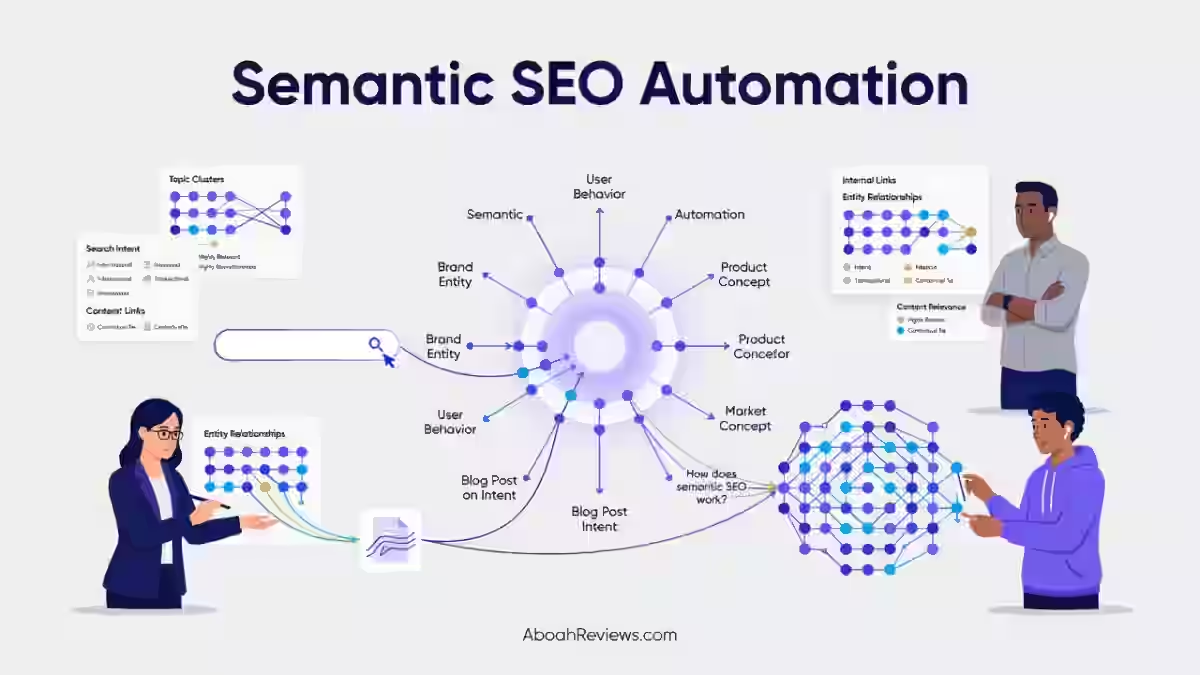
For more on this exact failure mode, my semantic SEO automation guide covers how to structure automated content so it doesn’t cannibalize itself.
How Can You Measure Local SEO Automation ROI?
You measure local SEO automation ROI by comparing time saved and lead volume before and after automation, not just by watching rankings move. Rankings are a proxy metric, calls, direction requests, and form fills are the real outcome.
Track these specifically:
Metric | Why It Matters |
|---|---|
Hours spent per location per month | Shows real time savings from automation |
GBP calls/direction requests | Direct measure of local visibility converting to action |
Review response time | Ties to conversion lift from review engagement |
Map Pack position changes | Shows visibility trend, not just vanity ranking |
Cost per location managed | Shows whether automation is actually cheaper than manual work |
Google states that businesses with complete and accurate information are more likely to appear in local search results, so a rise in profile completeness scores is also a fair leading indicator to track before rankings even move.
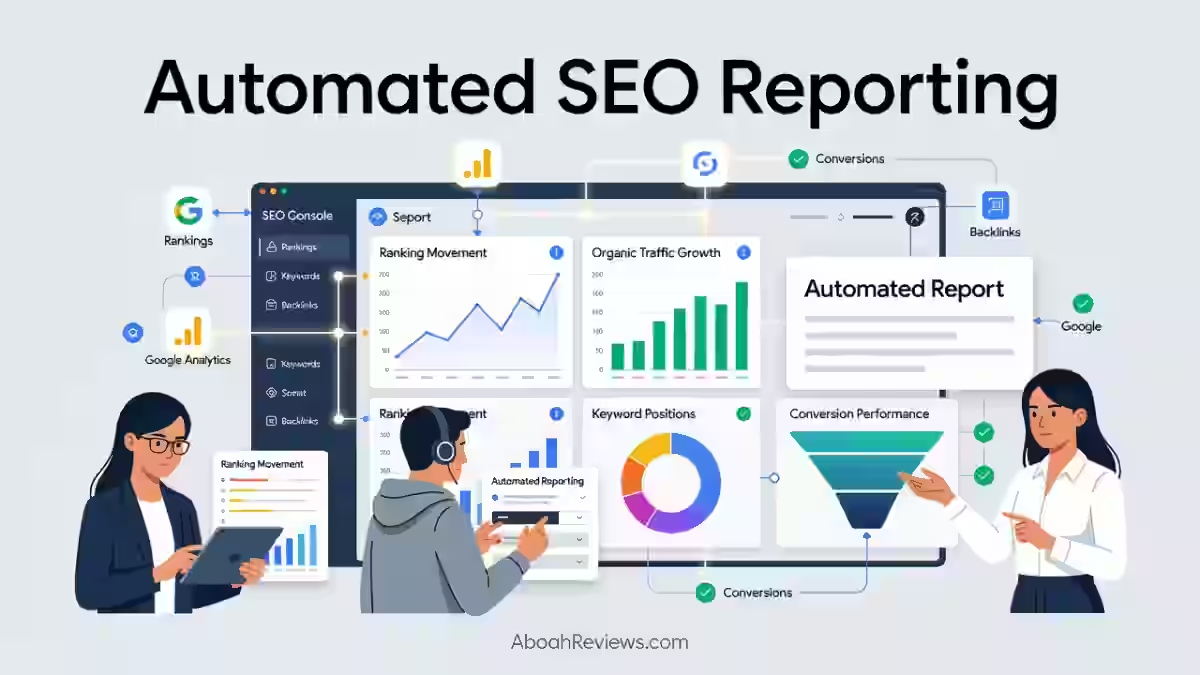
For a deeper look at building this kind of reporting into a repeatable process, check out automated SEO reporting.
Best Local SEO Automation Tools
The best local SEO automation tools depend on whether you need listing syndication, review management, content drafting, or all three in one platform.
Here’s how the main categories stack up based on what I’ve tested and researched:
Tool Type | Example | Monthly Starting Price | Best For | Human Editing Needed |
|---|---|---|---|---|
Listing + review management suite | $30/mo | Agencies managing 5-20 locations | Minimal for syncing, required for replies | |
Content drafting (semi-automated) | $59/mo | Drafting location page copy | Yes, always | |
AI content + editing hybrid | $39/mo | Blog + location content mix | Yes, always | |
Fully automated posting | $49/mo | Automated business content workflow | Yes, recommended |
How to Choose the Right Local SEO Automation Software
You choose local SEO automation software by matching the tool’s core strength (listings, reviews, content, or reporting) to your biggest bottleneck, not by picking whatever has the most features.
Most businesses only have one real constraint, not four.
Questions to ask before buying:
- Does it sync to the directories that actually matter for my industry?
- Can I review and edit AI drafts before they publish, or does it auto-publish?
- What’s the real monthly cost per location, not just the base plan price?
- Does it integrate with my existing rank tracker or reporting tool?
- What happens to my data if I cancel, can I export it cleanly?
My guide on how to choose the best autoblogging tool covers the same decision framework in more depth if content drafting is your main use case.
Common Mistakes in Local SEO Automation
The most common mistake in local SEO automation is publishing or replying without any human review step, treating the tool’s output as final instead of a draft.
I’ve made this mistake myself, and it’s an expensive one to fix after the fact.
Other mistakes I see constantly:
- Skipping the NAP audit before syncing – automating bad data just spreads the bad data faster.
- No internal linking plan for location pages – leads to keyword cannibalization across your own site.
- Treating rank tracking data as the only metric – ignoring calls and conversions that actually matter to the business.
- Auto-publishing AI content with zero fact-check – local details (addresses, hours, service areas) need verification every time.
If you want a deeper breakdown of automation approaches and where they typically fail, autoblogging vs traditional blogging covers a lot of the same failure patterns in a different content context.
Final Takeaway
Local SEO automation works when it’s used to clear out the repetitive, data-heavy tasks, citations, syncing, monitoring, first drafts, so your time goes toward the decisions that actually need a human brain: tone, strategy, and judgment calls on reputation.
Scale the setup to your team size; a solo freelancer managing three clients needs a lighter stack than an agency running 50 locations.
Whatever you automate, keep a human checking the output before it goes live, because the tools are good at speed, not judgment.
If you’ve tested any of these workflows yourself or hit a mistake worth sharing, I’d genuinely like to hear about it, that’s usually how the better workflows get built in the first place.
Frequently Asked Questions About Local SEO
What is local SEO automation?
Local SEO automation is the use of software and AI to handle repetitive local search tasks like citation syncing, review alerts, and rank tracking, while strategic decisions stay with a human. It’s built to save time on data entry and monitoring, not to replace judgment calls about content or reputation.
Is local SEO automation safe for Google rankings?
Yes, as long as it’s not used to manipulate rankings or publish unedited, low-quality content at scale. Google has said appropriate use of AI or automation is not against its guidelines, as long as it isn’t used primarily to manipulate search rankings.
Can I automate Google Business Profile completely?
No, you shouldn’t fully automate it without human review, especially for review replies and posts. GBP carries too much ranking weight to leave draft content unchecked before it publishes.
Does automating local content hurt rankings?
It can, if the content is published without editing, internal linking, or local accuracy checks. Publishing near-identical location pages at scale is a common cause of keyword cannibalization and thin-content flags.
How do I measure if local SEO automation is working?
Track calls, direction requests, and lead volume before and after automation, not just keyword rankings. Rankings can hold steady while conversions drop if the automated content or replies feel generic to real customers.

- HighSoftware99 Review 2026: Is It Legit or a Risk to Your Website? - October 21, 2026
- SEO Instant Appear HighSoftware99.com: Full Breakdown - October 18, 2026
- SEO by HighSoftware99.com: My Honest Independent Fact-Check for 2026 - October 18, 2026