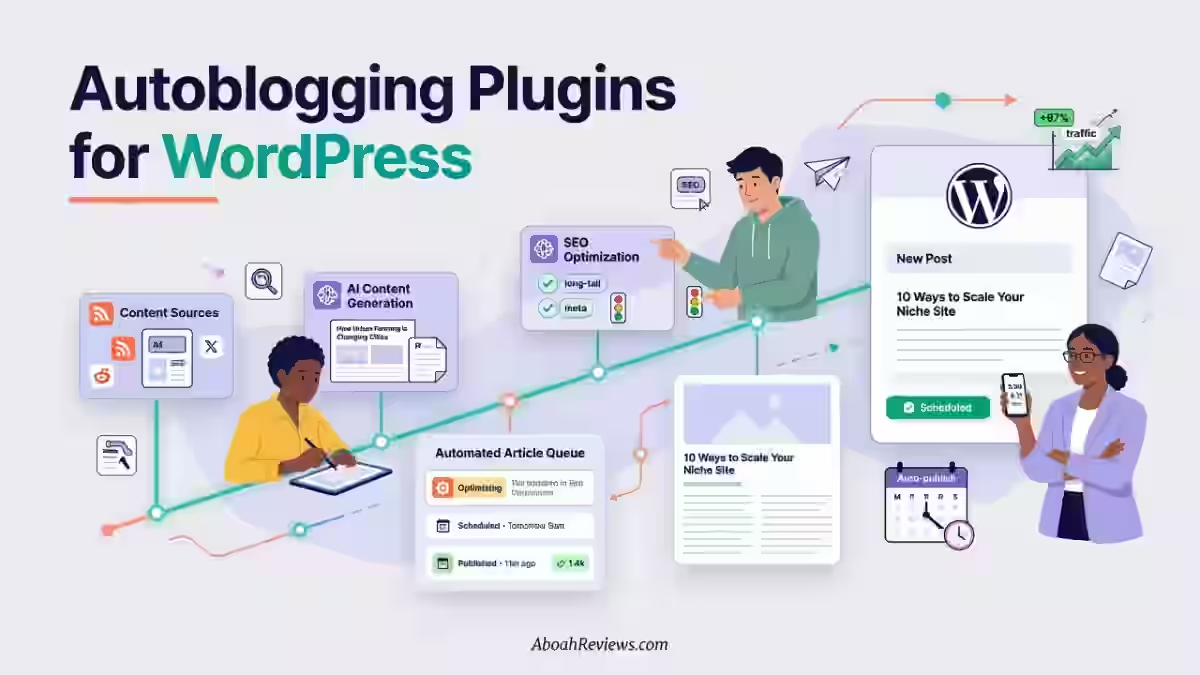
Quick Answer: What Are the Best Auto Blogging WordPress Plugins?
If you just want the straight answer without reading the whole article, here it is:
- Best overall AI autoblogging plugin: The SEO Agent for its end-to-end WordPress SEO automation, including keyword research, article generation, fact-checking, quality gating, and native publishing through its official WordPress.org plugin.
- Best WordPress-native AI content plugin: ClearPost AI for AI-generated content with editorial review built into the publishing workflow.
- Best AI writing and editing platform: RightBlogger for its broad collection of AI writing, SEO, outlining, rewriting, and content optimization tools combined with WordPress publishing.
- Best for full WordPress automation: Emplibot for hands-off publishing once it’s configured.
- Best for turning existing media into posts: Blogify for video and podcast-to-blog conversion.
- Best free RSS plugin: Feedzy for lightweight feed-to-post automation.
- Best RSS plugin for serious curation sites: WP RSS Aggregator for control and filtering options.
- Best for scraping and multi-source imports: WP Automatic for pulling from almost any site structure.
- Best for advanced format flexibility: CyberSEO Pro for handling RSS, XML, JSON, and CSV in one plugin.
- Best for campaign-style feed management: WPeMatico for organizing multiple feeds by campaign.
- Best niche automation tool: BlogBotz for smaller teams testing automated publishing on a single site.
None of these auto blogging WordPress plugins replaces an editor. They automate different parts of the publishing process, so pick based on your workflow, content type, and how much editorial oversight you want to maintain.
Introduction
If you’ve spent any time in the WordPress ecosystem looking for ways to publish content at scale, you’ve probably come across the term “autoblogging plugin.”
What actually qualifies as one? That depends entirely on what kind of automation you’re after.
An auto blogging WordPress plugin is any tool that partially or fully automates the process of publishing content to your site. Some generate original AI-written articles based on keywords you define. Others pull in content from RSS feeds, curate it, and turn those feeds into posts. A handful do both.
Understanding which category a plugin falls into matters a lot before you install anything. This guide breaks down 10 autoblogging plugins for WordPress across both the AI-generation and RSS-aggregation categories, explains how to choose one based on your actual workflow, and gives you an honest read on where each tool falls short.
What Are WordPress Autoblogging Plugins?
WordPress autoblogging plugins are tools that automate part or all of the blog post publishing process within your WordPress installation. There are three distinct types:
- AI content generators: These tools write original articles based on keywords or topics, then publish them directly to WordPress.
- RSS aggregators: These pull content from existing feeds and import them as posts, usually with some filtering and formatting.
- Content importers: These bring in structured data or content from specific sources like YouTube, Amazon or news sites.
If you need original, rankable content, an RSS aggregator alone will not do the job. For a broader look at how autoblogging works under the hood, I’d recommend reading how autoblogging works before looking into tool selection.
The plugins in this list were evaluated based on:
- Content quality and originality
- Auto-publishing reliability
- RSS and feed support
- SEO functionality (internal linking, keyword targeting, schema)
- WordPress compatibility and ease of setup
- Pricing and value per post published
Best Auto Blogging WordPress Plugins
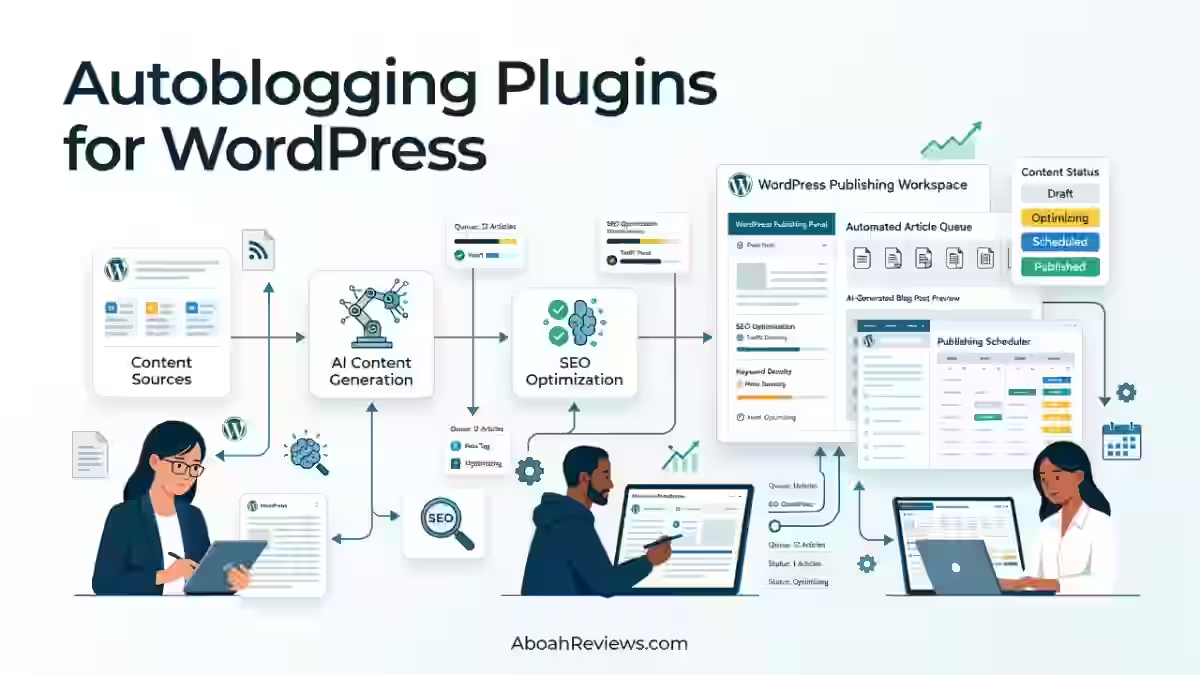
1. The SEO Agent
The SEO Agent is an end-to-end WordPress SEO automation platform rather than a conventional AI writing plugin.
What makes it stand out in this list is that it handles more than article generation. It researches keywords, creates the article, fact-checks claims, evaluates the finished draft against a quality threshold, and then publishes the post natively to WordPress through its Seobot Publisher plugin.
The plugin is available through the official WordPress.org Plugin Directory, while the $99/month subscription provides the automated content pipeline behind it.
Features
- Keyword research and opportunity discovery
- AI-generated articles based on targeted keywords
- Fact-checking with citations for defensible claims
- Automated quality gate before publication
- Native WordPress publishing
- Featured image handling
- Yoast and Rank Math meta description fields
- 30 articles per month on the paid WordPress plan
Pros
- Goes beyond writing by automating research, verification, quality control, and publishing
- Fact-checking is built into the content pipeline
- Quality gate can send weak drafts back for regeneration instead of publishing them
- Handles WordPress publishing tasks such as images, tags, slugs, and SEO metadata
- Flat monthly pricing rather than a per-article meter
- Particularly well suited to site owners who want a largely automated SEO content workflow
Cons
- $99/month is relatively expensive for a solo blogger producing only a few articles
- The system is primarily designed around SEO content automation rather than RSS-based autoblogging
- The WordPress publishing plugin is free, but the automated content pipeline requires the paid subscription
- One site is connected per project, which may require additional project setup for multi-site operations
Pricing: The SEO Agent costs $99/month for the WordPress SEO automation pipeline. The Seobot Publisher plugin itself is free, and the service currently offers a free trial before the subscription begins.
Best For: WordPress site owners, SEO-focused publishers, and agencies that want to automate the complete journey from keyword research to a published WordPress article.
2. ClearPost AI
ClearPost is a native WordPress plugin that functions as an autonomous content agent.
Instead of generating content on demand, it operates as an autonomous SEO agent that researches your niche, builds a keyword strategy, and produces publish-ready posts on autopilot.
It sits inside your WordPress dashboard and integrates directly with your site rather than sending you to a third-party platform to manage everything.
ClearPost supports ChatGPT, Claude, and Gemini to auto-generate blog content in 150+ languages. It handles keyword research, content writing, and auto publishing while you focus on your business.
Features
- Niche and competitor research built in
- Keyword gap analysis using your existing content
- Autopilot publishing with a review-before-publish option, plus custom AI instructions built from your existing content to match your site’s style
- Internal and external link insertion
- Google Search Console integration
- 150+ language support
Pros
- Native WordPress plugin, no external dashboard needed
- Supports editorial review before any post goes live
- The editorial control is a key differentiator: every draft goes through your approval queue before publishing
- Simple flat-rate pricing with no usage-based surprise invoices
Cons
- Starts at $99/month, which is on the higher end for solo bloggers
- Limited to WordPress (no Shopify or Webflow integration)
- Newer tool with a shorter track record than some established competitors
Pricing: ClearPost AI starts at $99/month with no onboarding fees or long-term contracts. The per-post cost works out to between $3 and $10 depending on your plan tier and publishing volume.
Best For: WordPress site owners and small agencies who want AI-generated content with mandatory human review built into the workflow, not built on afterward.
3. RightBlogger
RightBlogger is not a traditional autoblogging tool in the fully automated sense.
It is an AI writing platform with a WordPress integration that works well for bloggers who want speed and flexibility, not pure automation.
I’ve tested it alongside fully automated tools and found it produces cleaner output when you stay involved. You can read the full RightBlogger review for a detailed breakdown.
Features
- 90+ AI writing tools covering articles, outlines, SEO briefs, and social copy
- One-click article writer with customizable tone and length
- WordPress publishing via direct integration
- Keyword research and competitor analysis tools built in
- Blog post rewriter and content repurposing tools
Pros
- Produces high-quality drafts that need minimal editing compared to bulk AI tools
- Strong SEO brief and outline generator
- Generous tool set at a reasonable monthly price
- Good for freelancers managing multiple client blogs
Cons
- No RSS aggregation features
- Scheduling is limited compared to dedicated autoblogging platforms
Pricing: RightBlogger plans start at $59/month. There is a free plan and 7 days free trial for all paid plans. Check the RightBlogger pricing page for current plan details.
Best For: Bloggers and content marketers who want AI-assisted writing with manual control, not fully hands-off automation.
4. Emplibot
Emplibot is an AI-enabled platform that streamlines and automates content creation and distribution for WordPress blogs. It is one of the more complete end-to-end tools I’ve tested.
Once configured, it handles keyword research, draft creation, image sourcing, and WordPress publishing without requiring daily intervention. Read the Emplibot review for a deeper look.
Features
- Automated keyword research that identifies high-performing keywords per post
- Social media distribution to LinkedIn, Facebook, and X built in
- Supports English and German content generation
- Single dashboard for multi-blog management
Pros
- Genuinely hands-off once set up
- The internal linking feature automatically links new posts to relevant existing content, something most users typically do manually
- In 30 days across two test sites publishing 56 articles total, the full pipeline and WordPress publishing genuinely worked hands-off, cutting per-article production time by 82%
Cons
- Limited to English and German content
- Ideal for agencies and digital marketing pros managing multiple blogs, but may be over-engineered for a single personal site
- Pricing scales up with volume and multi-site use
Pricing
Emplibot starts at $69/month for limited posts and scales significantly for higher volumes.
Best For: Agencies and digital marketers managing multiple WordPress sites who want a genuinely automated end-to-end pipeline with built-in SEO.
5. Blogify AI
Blogify has an interesting angle: it converts other content formats into blog posts. Podcasts, YouTube videos, and documents become written content automatically.
If your team produces a lot of multimedia content and you want to expand into written SEO articles without starting from scratch, Blogify fills that gap.
Check out the full Blogify review for specifics.
Features
- Video-to-blog and podcast-to-blog conversion
- WordPress direct publishing integration
- SEO optimization and meta field customization
- Multilingual content support
- Affiliate link integration (available in paid plans)
Pros
- Strong for repurposing existing content rather than creating from scratch
- Advanced SEO tools that go beyond keyword insertion, optimizing content for organic reach by understanding search engine algorithms
- Free tier available for getting started
- Useful for YouTubers and podcasters expanding into written SEO content
Cons
- Not ideal as a standalone autoblogging tool if you have no multimedia content to repurpose
- No RSS aggregation features
- Affiliate link integration was still maturing as of late 2023 and should be confirmed before relying on it
Pricing
A free tier is available with limits, and paid plans run from $4.99/month to higher tiers.
Best For: Podcasters, YouTubers, and brands with existing multimedia content who want written SEO articles without producing everything from scratch.
6. BlogBotz
BlogBotz is an AI-powered blog automation platform that continuously researches, writes, and publishes SEO-optimized, long-form blog posts directly to your WordPress site.
It is a newer entrant in the space, but it covers the full content cycle from research to publishing and includes WooCommerce, Shopify and Wix integration.
This makes it a practical option for eCommerce sites that want SEO content alongside their product catalog.
Features
- Automatically generates long-form blog posts tailored to your niche
- WooCommerce integration to include product recommendations in blog posts
- Option to save posts as drafts for review before publishing
- Multilingual content generation support
- Secure API key and encrypted connection handling
Pros
- Free WordPress plugin with a free account tier
- WooCommerce integration is a genuine differentiator for store owners
- Draft mode available for editorial review before publishing
- Multilingual support
Cons
- Newer tool with limited third-party reviews as of mid-2026
- No user reviews on WordPress.org at the time of this writing, which makes real-world performance harder to validate
- Free plan limits on content generation volume need to be checked before committing to a workflow
Pricing
The plugin itself is free. BlogBotz offers both free and premium plans for content generation. Paid plans start at $10 for 25 blog posts with unlimited websites.
Best For: WooCommerce, Wix and Shopify store owners and niche site builders who want automated blog content connected to their product catalog.
7. Feedzy RSS Feeds
Feedzy is one of the most widely used RSS autoblogging plugins on WordPress.
Feedzy is a freemium RSS aggregator with both feed-to-post and feed display capabilities, currently with 40,000 active installs and a 92% rating.
It can import RSS feed items as WordPress posts automatically and display feed content using shortcodes or Gutenberg blocks.
Features
- Feed-to-post conversion with customizable post formats
- Gutenberg block and shortcode display options
- Keyword filtering to control what gets imported
- Amazon affiliate integration for monetization
- URL prepend/append feature for adding URL parameters to the end of feed item links
- Scheduling controls for drip-style publishing
Pros
- Free version covers the basics well for small sites
- Simple interface that matches familiar WordPress workflows
- Good documentation and active support forum
- 40,000+ active installs means broad compatibility testing across themes and page builders
Cons
- Free version lacks some key customization features
- Some users find the premium version less cost-effective, as the free variant seems to provide more useful features than what the premium plan unlocks
- No AI content generation, purely an RSS aggregation tool
- Does not create original content, so thin content risk is real without editorial filtering
Pricing
Feedzy has a free version available. Premium plans start at $99/year (Personal) for 1 site.
Best For: Curators and content aggregators who want a reliable, well-documented RSS-to-post tool with minimal setup.
8. CyberSEO Pro
CyberSEO Pro is a powerful WordPress plugin focused on advanced autoblogging and content curation. What sets this plugin apart is its wide range of supported content sources.
While many aggregation plugins stick to RSS feeds, CyberSEO Pro allows you to import content from RSS, Atom, XML, JSON feeds, HTML pages, CSV files, and even social media platforms like YouTube, Vimeo, Reddit, Instagram, Pinterest, and more.
It is one of the most technically capable tools in this list, but it comes with a learning curve.
Features
- Integrated content synonymizer/rewriter, AI text generation, and advanced automation options
- Full-Text RSS script that can extract complete articles from feeds that only provide excerpts
- AI image generation integration
- Template system for post formatting
- OpenAI, Claude, and Gemini integration for content rewriting
Pros
- Broadest source support of any plugin in this list (RSS, JSON, CSV, social platforms)
- Lifetime license for the current version with free updates for one year, and no additional payment for individual extensions or add-ons
- Strong choice for news sites and high-volume content operations
- Actively maintained with a responsive support community
Cons
- Steep learning curve, not beginner-friendly
- The free “CyberSEO Lite” plugin that was previously available on WordPress.org has been discontinued, noted as a guideline violation
- Customization options in the Pro version aren’t as visually flexible as some competitors
- Documentation is dense and requires investment to use effectively
Pricing
CyberSEO Pro plugin pricing uses a one-time payment model with no recurring subscription fees.
License tiers include a 1-site license for $29.95, a 10-site license for $149.95, and a 100-site license for $299.95. Additional third-party API costs (like OpenAI) apply separately based on usage.
Best For: Advanced users, developers, and news site operators who need multi-source content automation with deep customization.
9. WPeMatico
WPeMatico is a long-standing RSS autoblogging plugin that converts feed items into WordPress posts.
WPeMatico is an easy-to-use autoblogging plugin that helps automatically create posts from RSS or Atom feeds. The user interface is similar to the WordPress post editor, so you can manage your feeds in a familiar environment.
Features
- Auto-discovery of RSS feeds (no exact URL required)
- Can extract categories, tags, and specific parts of original articles, with options to strip all links before publishing, translate content, set post status, and automatically set featured images
- Custom post type support for non-standard publishing formats
- Ability to publish to bbPress forums, topics, and answers, a feature the competing plugins do not offer
- Synchronizer premium add-on to keep imported content in sync with the original source
- Multisite support
Pros
- Familiar UI that mirrors the native WordPress editor
- Auto-discovery of feed URLs lowers setup friction
- Multisite support built in
- Wide range of premium add-ons for specific use cases
Cons
- Does not include different layout or design options for displaying feed content, and limited AI integration for content manipulation
- Premium add-ons are purchased separately, which drives up total cost
- No AI content generation — aggregation only
Pricing
WPeMatico’s free version covers basic RSS importing. Premium plans with add-ons run between $82 and $311/year for a single site, depending on add-ons selected.
Best For: WordPress developers and intermediate users who want granular RSS feed control with custom post type support and multisite capability.
10. WP RSS Aggregator
WP RSS Aggregator is one of the most established RSS plugins in the WordPress ecosystem. It is trusted by 60,000+ websites with 360+ 5-star reviews.
It handles feed importing, display, and filtering cleanly, and works well for sites that want to curate content from multiple sources into a single feed-driven publishing workflow.
For ideas on how to build content strategies around feeds, see this guide on using RSS feeds for autoblogging.
Features
- Import unlimited RSS feeds and display them as posts or feed widgets
- Keyword filtering to exclude or include specific content
- Feed-to-post conversion with scheduling
- Add-ons for full-text import, video integration, and keyword filtering
- Developer-friendly with hooks and filters
Pros
- Large, active user base with strong community support
- Well-documented with regular updates
- Scales well from small blogs to large aggregation sites
- Available free version for basic use
Cons
- Core plugin free version is limited; most useful features require paid add-ons
- No AI content generation
- Annual pricing at the higher tiers runs $599 to $699/year for multi-site or developer licenses, which is a significant investment
- Content aggregated from feeds is not original, so SEO risks apply if posts are published without editing
Pricing
WP RSS Aggregator has a free core plugin. Premium plans start around $99/year for personal use and scale to $599+ for developer licenses.
Best For: News aggregators, niche curators, and agencies who want a reliable, well-supported RSS workflow with a proven track record.
11. WP Automatic
The WP Automatic plugin is an effective live text spinner and AI generator.
It does not enable full-text imports the way competitors like WP RSS Aggregator do, but it can collate and import content from many websites and a host of social media sites.
WP Automatic sits in a middle ground between pure RSS aggregation and AI generation. It is designed for high-volume, multi-source content pulling with some content modification built in.
Features
- Claude, Gemini, and GPT AI integrations for content spinning and rewriting
- Content import from news sites, Amazon, YouTube, social media, and more
- Affiliate link injection for Amazon and other programs
- Scheduling and drip publishing
- Multi-site support
Pros
- Wide source support beyond RSS feeds
- AI integrations for in-plugin content rewriting
- Live chat and WhatsApp support team available
- One-time payment model (lifetime license) is cost-effective long term
Cons
- The lack of a free version makes it a financial risk for people who do not have previous experience with this exact autoblogging plugin
- Full-text import is limited compared to WP RSS Aggregator and CyberSEO
- Content quality depends heavily on prompt setup and source quality
- Thin content risk is high if the AI spinning is not configured carefully
Pricing
WP Automatic is sold as a one-time payment starting around $35 (single site) through CodeCanyon, with multi-site licenses available at higher tiers.
Best For: Power users familiar with autoblogging workflows who want a multi-source content importer with AI rewriting at a one-time cost.
Comparison of the Best WordPress Autoblogging Plugins
Plugin | AI Writing | Auto Publishing | RSS Support | WordPress Native | Best For |
|---|---|---|---|---|---|
TheSeoAgent | Yes | Yes | No | Yes (plugin) | WordPress SEO automation |
ClearPost AI | Yes (ChatGPT/Claude/Gemini) | Yes (with review option) | No | Yes (plugin) | SEO-focused WordPress sites |
RightBlogger | Yes (80+ tools) | Manual trigger | No | Yes (integration) | Freelancers, content teams |
Emplibot | Yes (full pipeline) | Yes (fully automated) | No | Yes (via REST API) | Agencies, multi-site operators |
Blogify | Yes (multimedia-to-text) | Yes | No | Yes (plugin) | YouTubers, podcasters |
BlogBotz | Yes (AI long-form) | Yes (draft or live) | No | Yes (plugin) | WooCommerce store owners |
Feedzy RSS Feeds | No | Yes (feed-to-post) | Yes | Yes (plugin) | Curators, aggregators |
CyberSEO Pro | AI rewriting only | Yes | Yes (multi-source) | Yes (plugin) | Developers, news sites |
WPeMatico | No | Yes (feed-to-post) | Yes | Yes (plugin) | Intermediate RSS users |
WP RSS Aggregator | No | Yes (feed-to-post) | Yes | Yes (plugin) | Aggregation-focused sites |
WP Automatic | AI rewriting + import | Yes | Yes (multi-source) | Yes (plugin) | Power users, affiliates |
AI Autoblogging Plugins vs RSS Autoblogging Plugins
These two categories sound similar but serve different purposes. Choosing the wrong one for your workflow creates more problems than it solves.
AI Autoblogging Plugins
AI autoblogging plugins generate new written content. They do not import content from other sites.
Instead, you define keywords, topics, or niches and the tool drafts original articles using large language models like GPT-4, Claude or Gemini.
These are the right tools when:
- You want original, rankable content targeting specific keywords
- You are running a content marketing program, not a news aggregator
- You need SEO-driven content at scale without a full writing team
- Your workflow includes AI draft + human edit cycles
Tools like ClearPost AI, BlogBotz, and Emplibot fall into this category. They work best when you treat them as draft-generation engines, not replacement writers.
Fully automated publishing without human review is where most people run into trouble, and I’ll explain why in the SEO section below.
For context on how this category fits into broader SEO workflows, see this guide on SEO automation.
The output quality between AI autoblogging tools varies more than vendors admit.
I’ve seen tools produce 1,200-word articles that are technically coherent but miss search intent completely because no keyword filtering or brief was applied. That content publishes, gets indexed, and does nothing.
RSS Autoblogging Plugins
RSS autoblogging plugins import existing content from other sources. They do not create original text. They pull feed items, convert them into WordPress posts, and publish them on a schedule.
These are the right tools when:
- You are running a news aggregation or content curation site
- You want to pull content from multiple industry sources into one hub
- You are supplementing original content with curated industry news
- You manage a niche site where licensing or curation agreements are in place
Feedzy, WP RSS Aggregator, WPeMatico, and CyberSEO Pro (for its feed features) sit in this category. The SEO implications are different: you are not generating original content, so duplicate content risk is the primary concern.
Publishing unmodified RSS content at scale is one of the fastest ways to get a thin content flag from Google.
If you want to understand how the two approaches compare strategically, autoblogging vs. traditional blogging breaks down the tradeoffs well.
How to Choose an Autoblogging Plugin for WordPress
Choosing the right autoblogging plugin for WordPress comes down to matching the tool’s capabilities to your specific publishing workflow, not picking the one with the most features.
Here are the factors I evaluate before recommending or installing any plugin:
1. AI Content Generation vs RSS
Decide upfront whether you need original content or curated content. Do not mix these up. If you want to rank for keywords you have not published about yet, you need AI generation.
If you want to aggregate industry news, RSS tools are sufficient. The autoblogging vs. AI blogging comparison goes deeper on this distinction.
2. Auto-Publishing Controls
Does the tool publish automatically or send drafts for review? For SEO purposes, I strongly prefer tools that allow review before publishing.
Fully automated publishing without oversight introduces quality control problems at scale.
3. RSS and Feed Support
If RSS is part of your workflow, check whether the plugin supports multi-feed aggregation, keyword filtering, and full-text extraction. Not every RSS plugin extracts complete articles — many only pull excerpts.
4. SEO Functionality
Look for internal linking automation, keyword targeting, schema markup, and meta field customization.
A plugin that publishes posts without touching SEO fields adds overhead to your workflow instead of reducing it.
5. Content Customization
Can you set tone, length, language, and structure? Generic AI outputs require more editing time.
Tools that let you define writing instructions at the account level (like ClearPost AI using your existing content as style guidance) produce more consistent results.
6. Scheduling
Publishing frequency control matters for both editorial quality and crawl management. Look for drip scheduling options rather than bulk-publish modes.
7. WordPress Compatibility
Test the plugin on your specific theme and page builder before committing. Block editor (Gutenberg) compatibility is now the baseline, but some older plugins still have formatting conflicts.
Check the plugin’s changelog and support forum for recent compatibility reports.
8. Pricing Per Post
Calculate cost per published post at your target volume. A $99/month tool publishing 30 posts is $3.30/post. A $29/month tool producing 5 usable posts per month is $5.80/post. The headline price is rarely the real cost.
9. Support and Update Frequency
For any plugin running on a live production site, active maintenance is non-negotiable. Check the WordPress.org changelog, GitHub activity if applicable, and the support forum response times before installing.
For a structured framework, see the how to choose the best autoblogging tool guide.
Are Autoblogging Plugins Good for SEO?
Autoblogging plugins can support SEO, but only under specific conditions. The honest answer is: the plugin is not the SEO variable. What you do with the output is.
When automated content can work
- AI-generated drafts reviewed and edited by a human before publishing
- RSS-aggregated content used for display or supplementation, not as your primary ranking content
- Keyword-targeted AI articles that match real search intent
- Automated publishing paired with internal linking and proper meta data
E-E-A-T and Autoblogging
Google’s E-E-A-T framework (Experience, Expertise, Authoritativeness, Trustworthiness) is difficult to satisfy with purely automated content.
AI-generated articles do not have firsthand experience. They do not make real-world mistakes. They are not cited by experts.
If your niche requires demonstrating personal expertise: health, finance, legal or product reviews, automated content needs significant human augmentation to meet E-E-A-T standards.
Frequently Asked Questions
Is WordPress outdated in 2026?
No, WordPress isn’t outdated in 2026. It still powers roughly 43% of all websites on the internet and holds more than 62% of the global CMS market. That said, WordPress isn’t without competition. AI-powered website builders, automated hosting platforms, and headless CMS solutions are becoming more popular, giving website owners more options than ever.
What is the best WordPress plugin for blogs?
There isn’t one plugin that’s the absolute best for every blog. A well-performing WordPress blog usually needs a few different tools for things like SEO, site speed, security, and spam protection. That said, Yoast SEO is one of the most popular and widely recommended plugins for improving a blog’s SEO and overall visibility.
Can I automatically post my WordPress posts to social media?
Yes, you can. WordPress posts can be automatically shared across your social media accounts using dedicated plugins or automation tools. This saves you from having to manually share every new post and makes it easier to keep your social channels active whenever you publish something new.
What is the best plugin for automatic blog posting in WordPress?
It really depends on what you mean by “automatic blog posting.” If you want to automatically publish or curate content from RSS feeds, there are plugins designed for that. If you want to create and publish new AI-generated articles with minimal manual work, there are also AI-powered WordPress plugins that can handle much of the process for you.
What is the best social media plugin for WordPress?
There isn’t one social media plugin that’s best for everyone. It really comes down to what you want to do. Some plugins are great for adding social sharing buttons, while others focus on displaying social media feeds or automatically sharing your new posts across different platforms.

- #1 Best Plugin for Automatic Blog Posting in WordPress (2026) - September 13, 2026
- 13 Best WordPress Autoblogging Plugins I Tested & Ranked for 2026 - September 13, 2026
- 13 Best Google AI Overview Checking Tools in 2026 (Tested & Ranked) - September 9, 2026